Start with the available height

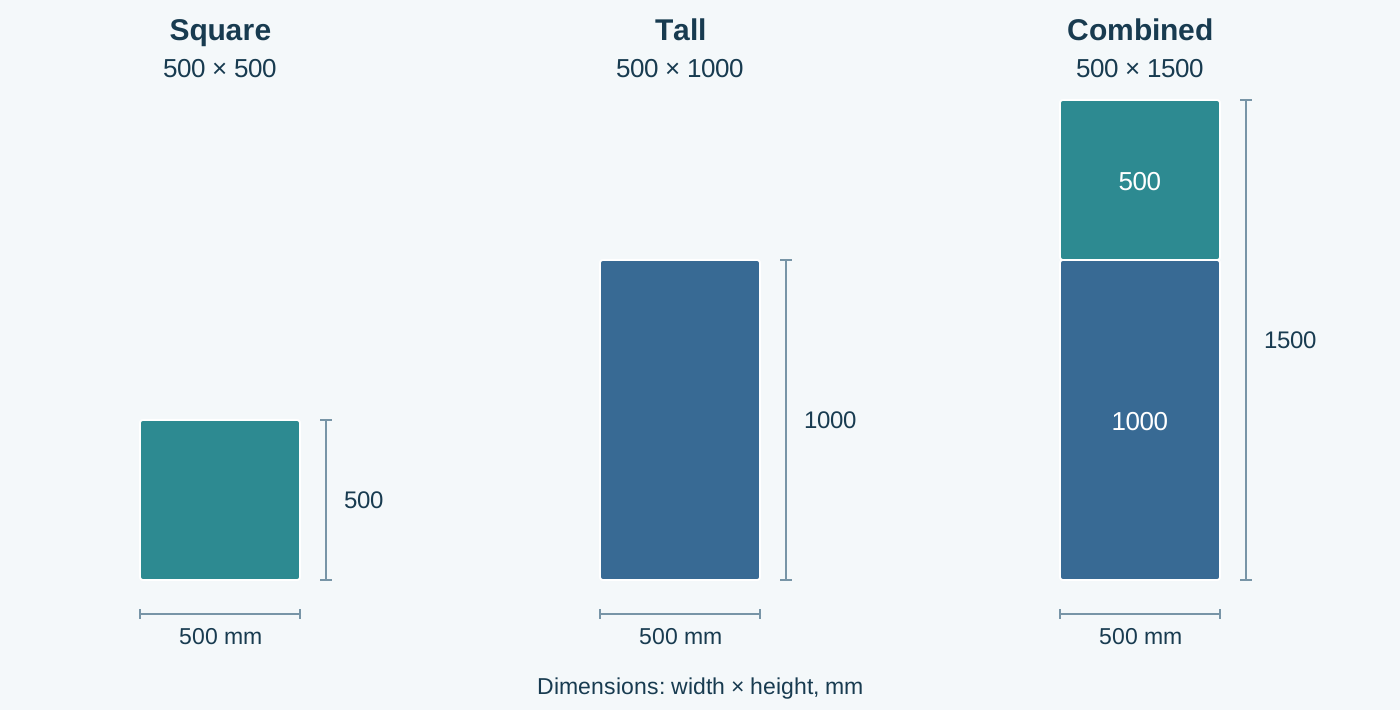
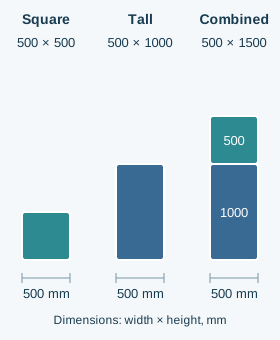
If the screen needs to be only 500 mm high, a square cabinet provides that height. For 1000 mm, use one tall cabinet or two square cabinets. To reach 1500 mm, combine one 500 × 500 with one 500 × 1000 cabinet vertically. The column remains 500 mm wide.
Match the cabinet mix to the event
Tall cabinets cover a large rectangular area with fewer pieces. Square cabinets let you add a 500 mm-high row or create changes in the screen outline.
For music festivals, concerts and celebrations, use tall cabinets for the main backdrop and square cabinets to add 500 mm height changes. This supports stepped outlines or open notches that fit the stage design.
For conferences, exhibitions and product launches, match the backdrop or side-screen height to the space. A row of square cabinets can provide the extra height needed for a booth or event-stage layout.
Consider a screen 3 m wide and 1.5 m high. It has six 500 mm-wide columns. With one tall and one square cabinet in each column, you need six tall and six square cabinets: 12 in total. Using only square cabinets requires 18. Both layouts have the same overall dimensions.

Confirm the matching configuration before ordering
Base the cabinet mix on your usual layouts: more tall cabinets for large rectangular walls, with matching square cabinets for height adjustments and shaped builds.
Choose models the manufacturer has confirmed for use together. Check pixel pitch, connecting locks, image calibration and controller configuration. For outdoor events, confirm that the selected version is suitable for the site conditions as well. A shared 500 mm width alone does not establish compatibility between different cabinet families.
Send the supplier your target width and height with a simple layout sketch. Ask them to confirm the quantities, connections and support arrangement. Plan the screen dimensions first, then decide how the two cabinet sizes should be combined.
Datasheets used in this guide
Examples refer to these named models. Check the agreed document version when specifying an order.